How Google’s Product Studio Adds Animation, Background Removal and Upscaling — What Merchants Should Test Now
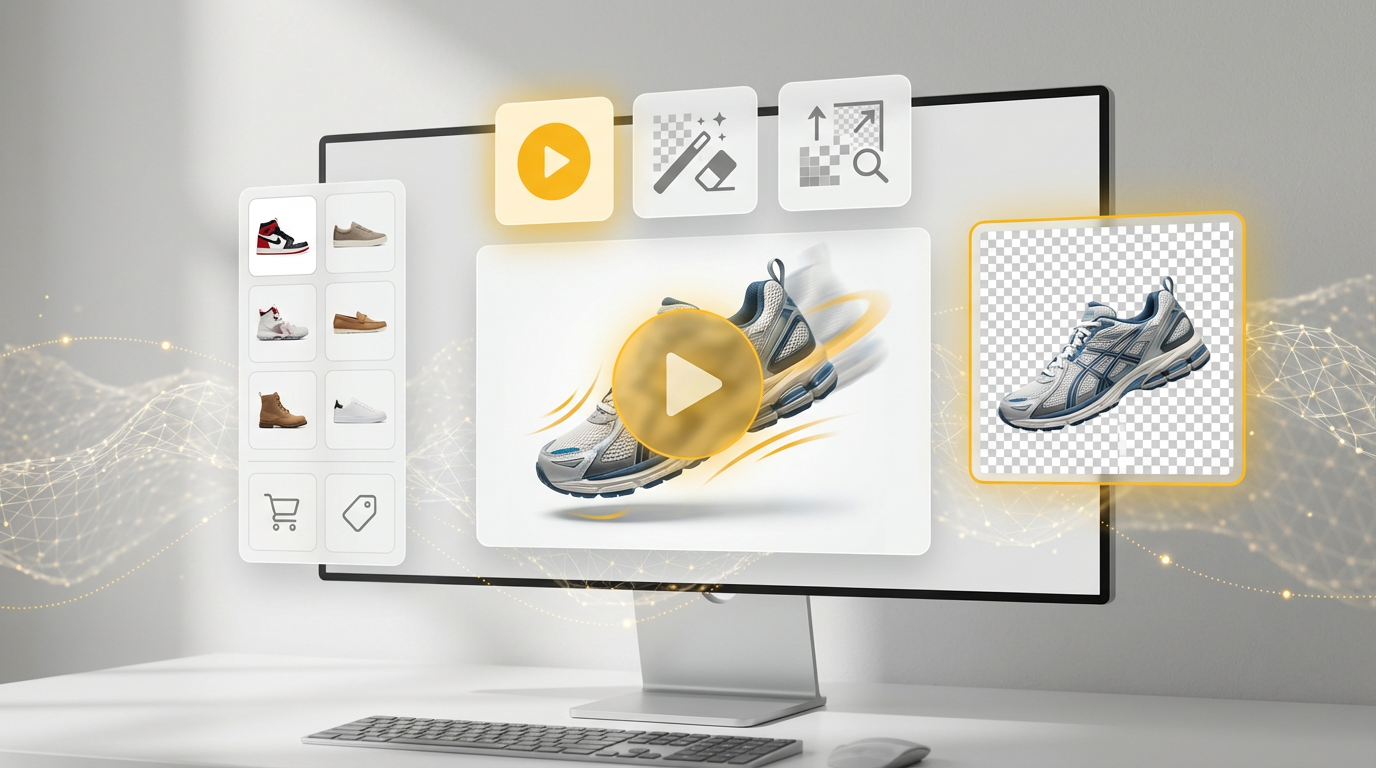
Google has expanded Product Studio inside Merchant Center with three features designed to speed up creative production: animation, one-click background removal and image upscaling. As reported by Anu Adegbola at Search Engine Land, “Product Studio now lets merchants animate static product images into short videos using suggested text prompts,” a capability aimed at short-form ads and social-style creative.
Why these updates matter
Product imagery is a primary driver of Shopping performance, but producing and refreshing assets typically requires design resources and time. By embedding animation, editing and enhancement tools directly inside Merchant Center, Google is lowering the barrier to frequent creative tests. The official Product Studio documentation notes that the tools can help “generate scenes, increase image resolution, remove backgrounds, and generate product videos,” enabling merchants to create new visuals without leaving the commerce workflow (Google Product Studio help).
Key capabilities
Animation: Convert static photos into short, loopable animations using suggested text prompts. This feature is tailored to social-style creative and short-form ad formats where motion can increase attention.
Background removal: One-click background isolation creates consistent, distraction-free images that align with shopping feed standards.
Upscaling: Increase the resolution of older or lower-quality assets so they meet Google’s image requirements — for most products Merchant Center requires at least 100 × 100 pixels, while apparel images should be at least 250 × 250 pixels (and no image should exceed 64 megapixels) (Google Merchant Center image requirements).
What advertisers and merchants should test
These features change the creative production playbook. Below are prioritized, actionable steps to test them in a way that yields measurable insights.
1. A/B test animated vs static creatives on top SKUs
Start with a small set of best-selling SKUs and create animated versions. Run controlled experiments in Shopping and Performance Max campaigns (use a segment or experiment setup) to measure differences in impressions, click-through rate (CTR) and conversions. Look for lift in CTR and view-through engagement that justify broader rollout.
2. Standardize imagery using background removal
Run background-removed variants for products with inconsistent photography. Use those images for feed listings and ad assets to ensure consistent presentation across formats. Consistent imagery reduces friction and can improve perceived professionalism and trust.
3. Refresh low-resolution assets with upscaling
Identify older product images that fail to meet current size requirements or appear soft on larger displays. Use Product Studio’s upscaling to bring these assets up to spec and compare performance against newly shot images to validate quality tradeoffs.
4. Prioritize formats by placement
Reserve animation for placements where motion is surfaced (YouTube shorts, Discovery, social-style assets in Performance Max). For static placements (product listing pages, comparison surfaces), prioritize background removal and clean composition.
5. Monitor creative fatigue and iteration cadence
With faster asset production, increase creative refresh cadence and track which visual treatments sustain performance. Use Product Studio to rapidly test variations (background, motion intensity, crop) and retire underperforming treatments.
Implications and cautions
Embedding AI-driven creative tools into Merchant Center accelerates iteration but does not eliminate the need for creative governance. Brands should maintain control over how products are presented, checking animations and AI edits for accuracy, color fidelity, and brand safety. While the automation will suit many merchants, complex or high-value products may still require professional photography and manual retouching.
Additionally, measure the incremental benefit of animated assets relative to production and management costs. Although these tools reduce creative friction, testing and review processes must be established to prevent inconsistent or misleading imagery.
Next steps for agencies and in-house teams
Create a short pilot program: pick 10–20 SKUs, generate animated, background-removed and upscaled variants, and run experiments across Shopping and Performance Max. Document learnings (CTR, CPC, conversion rate, average order value) and build a rollout plan based on ROI thresholds. Integrate QA checks focused on color accuracy, product detail visibility and compliance with listing policies.
For technical housekeeping, ensure your Merchant Center feed meets Google’s image specs (see image requirements) and confirm Product Studio availability for your account in Merchant Center Next.
Google’s integration of animation, background removal, and upscaling directly in Product Studio enables more frequent creative testing and easier asset management. As Anu Adegbola reported for Search Engine Land, “These updates give merchants more ways to produce high-quality visuals quickly — without leaving Merchant Center or relying on design teams.”
At SEOteric, we recommend running prioritized tests and establishing governance that balances speed with brand consistency. For assistance building a Product Studio pilot and integrating results into Shopping and Performance Max strategies, visit https://www.seoteric.com.
Original article: https://searchengineland.com/google-adds-animation-and-image-editing-tools-to-product-studio-466369 — Anu Adegbola, Search Engine Land.













.png)