Google Search Adds “Read More” Links to Search Result Snippets
Google has begun showing “read more” links at the end of search result snippets, a change first reported by Barry Schwartz on Search Engine Land. The new link appears after the snippet description and, when clicked, anchors the visitor directly to a specific portion of the destination page. As Schwartz observed, “These read more links do add an additional eye-catching link to the search result snippets. Hopefully, this leads to encouraging more clicks to websites and no less.” (Source: Search Engine Land)
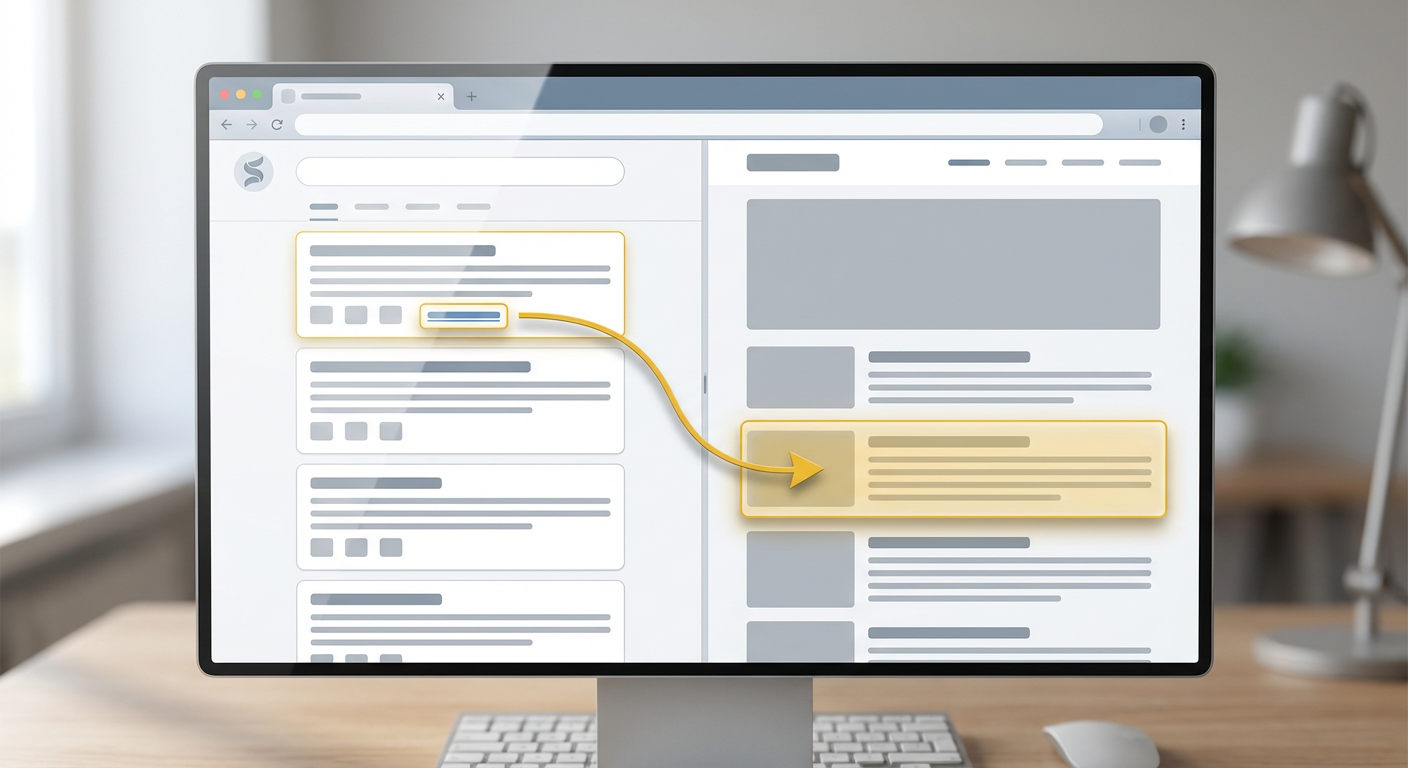
What the change does
Rather than always linking users to the top of a page, the new “read more” control sends users to a specific anchor or section within a page. Google first tested variations of this behavior in July and has rolled it out selectively; not every search result will include the extra link. The feature appears when Google’s algorithms determine that a jump-to-section will better satisfy the searcher’s intent.
Why this matters for site owners
For searchers, this improves the immediacy of answers by reducing in-page navigation. For site owners and SEO professionals, it changes the stakes for content structure and internal linking. Pages that effectively segment content with clear headings and anchors are more likely to be featured with a “read more” link, giving these pages a potential visibility and click-through boost.
What we learned from industry coverage
Search Engine Roundtable and other industry outlets picked up the story and confirmed the rollout, noting that the behavior is governed by Google’s ability to locate a relevant anchor or to emulate a jump link through generated fragments. (See Search Engine Roundtable for coverage.) This mirrors Google’s ongoing experimentation with richer SERP features that direct users to specific in-page content when appropriate.
Analysis: implications for search results and CTR
The additional link changes the visual presentation of a search result by adding a second clickable element inside the snippet area. That makes the result more eye-catching and gives the user an immediate path to the most relevant subsection of a page. In practice, this can increase click-through rate (CTR) for results that provide targeted answers within a large page, especially long-form resources, documentation, FAQs, and product pages with detailed sections.
However, increased CTR depends on the landing section delivering precisely what the snippet promises. If users arrive at an anchor that doesn’t answer their query, bounce rates could rise. Therefore, site owners must ensure that the content at anchor points is tightly focused, accurate, and satisfying for the query it’s likely to serve.
Actionable recommendations
- Audit headings and anchors: Run a content audit to ensure each long-form page has meaningful H2/H3 headings and explicit anchors where appropriate. Use descriptive anchor text that reflects the section’s content.
- Structure content as standalone sections: Design each major section to answer a specific question or need so an anchored visitor finds value immediately.
- Optimize snippet-worthy text around anchors: Place concise summary sentences near anchors that can serve as strong snippet candidates if Google chooses to pull them.
- Review internal linking: Use internal links that target section anchors where it makes sense, reinforcing the relevance of those subsections for users and search engines.
- Monitor performance in Search Console: Track impressions and CTRs for pages and URLs that contain anchors to spot changes after the rollout and identify which sections gain traction.
- Test user experience: Use analytics and session recordings to verify that anchored visitors engage with section content and proceed to other pages rather than exiting immediately.
Practical examples
Consider a product manual page with 12 sections. If a user searches for a specific setup step, Google may surface a snippet with a “read more” link that takes the user straight to that step. Similarly, in a long-form article, search queries about a subtopic can now direct the user to the relevant H2/H3 section instead of the top of the article.
How to prioritize updates
Begin with high-traffic pages that already target informational queries and have multiple clear sections. Implement anchors for sections where users commonly land, refine the copy around those anchors, and add internal links pointing to the anchors from related pages. Next, monitor changes in Search Console and user behavior to refine which sections should be emphasized for anchored traffic.
Conclusion
Google’s “read more” links make search results more precise by offering direct access to relevant content on a page. This change rewards clear content structure, descriptive anchors, and section-focused optimization. Site owners who prepare by auditing headings, adding or improving anchors, and optimizing the text surrounding those anchors will be best positioned to benefit from this feature. For SEOteric clients and teams, aligning content structure with user intent remains the highest-impact activity as Google continues to refine how search results navigate users into websites.
Attribution: Article by Barry Schwartz, Search Engine Land. Original coverage: https://searchengineland.com/google-search-adds-read-more-links-to-search-result-snippets-466387













.png)